
NotchNook vs Boring Notch vs Seam: 3 Notch Apps Tested (2026)
Comparing NotchNook, Boring Notch, and Seam head to head? All three apps in this comparison are macOS-only, built for MacBook. If you came from the NotchNook vs Boring Notch threads on Reddit, this is the same question with a third option added. We tested all three so you don’t have to. For a wider list, see the best Mac notch apps in 2026.
TL;DR: NotchNook has the most features but costs $25. Boring Notch is free and capable but can be buggy. Seam sits in the middle. Polished, efficient, and focused on what matters. Which one fits depends on what you want the notch to do.
Update, 6 October 2026: NotchNook can’t be bought right now. The lo.cafe site no longer loads, the Setapp listing is gone, and Homebrew disabled its cask on 19 September. The NotchNook prices below are what it sold for. Shopping today? See NotchNook alternatives.

The Three Contenders
| App | Price | Philosophy |
|---|---|---|
| NotchNook | Not for sale | Everything, customizable |
| Boring Notch | Free (open source) | Community-driven, feature-packed |
| Seam | $29 (one-time) | Focused, native, efficient |
The NotchNook vs Boring Notch Reddit threads often debate features versus stability. Let’s break down each category.
Features Comparison
Music & Now Playing
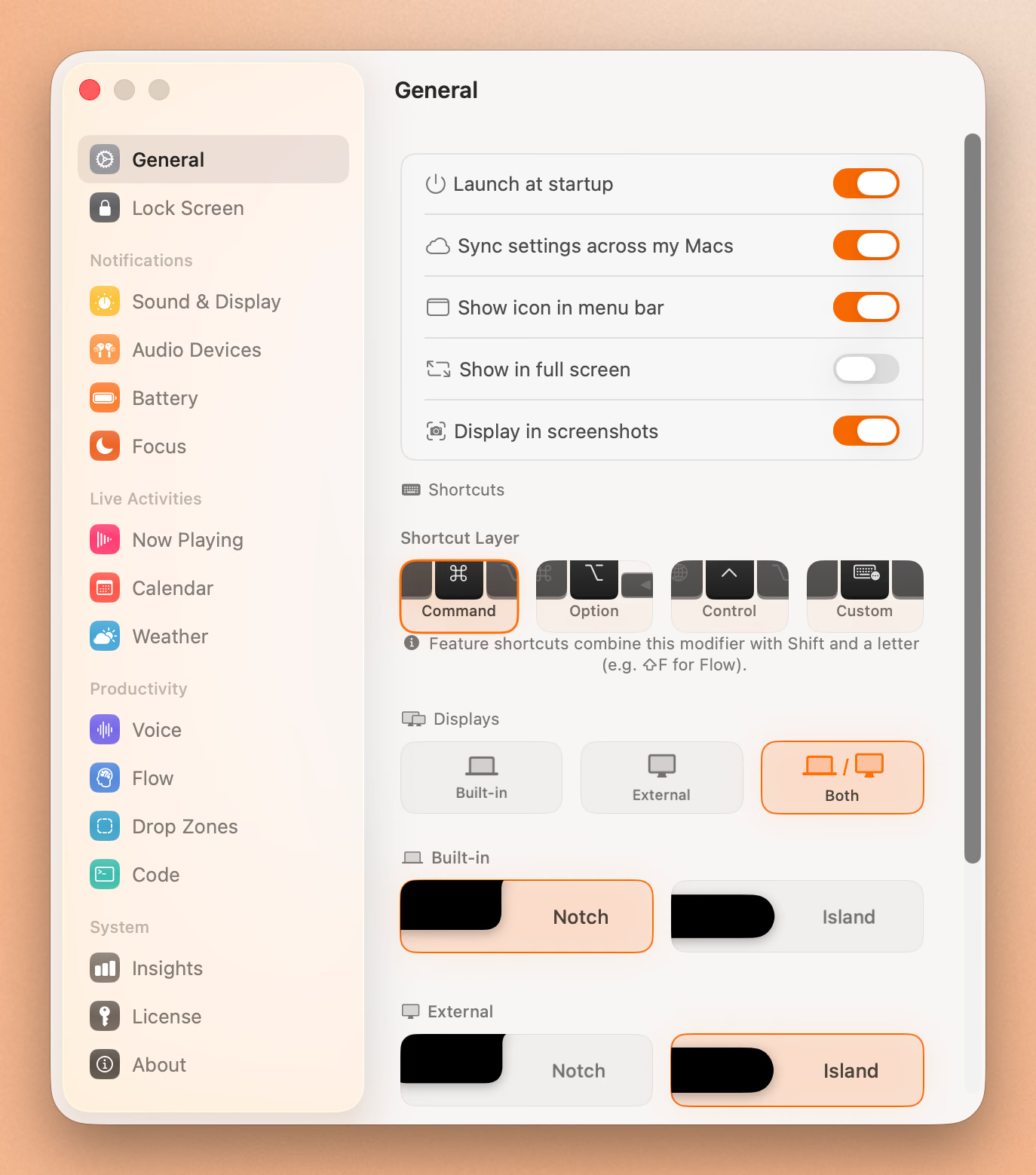
All three apps handle Now Playing well, but with different approaches:
NotchNook: Shows album art, track info, and playback controls. Supports Spotify and Apple Music. The animation when music starts is smooth. You can expand the notch to see larger artwork and more controls.
Boring Notch: Similar functionality, plus a real-time audio visualizer that pulses with your music. Looks cool, but uses more CPU. Supports most media players.
Seam: Clean Now Playing display with album art. Designed to be glanceable, so you see what’s playing without needing to interact. Lower battery impact because there’s no always-on visualizer.
Winner: Tie. NotchNook for customization, Boring Notch for the visualizer, Seam for low battery impact.
Calendar & Productivity
NotchNook: Calendar widget shows upcoming events. You can add a Shortcuts widget to trigger automations. No built-in timer.
Boring Notch: Calendar and Reminders integration. Has a Pomodoro timer built in. Task management features are basic but functional.
Seam: Calendar event previews and a dedicated Focus timer. Designed around the concept of staying in flow. Minimal interruption, maximum awareness.
Winner: Seam for focus-oriented users, Boring Notch for free Pomodoro functionality.
File Shelf & AirDrop
NotchNook: Drop files on the notch to store them temporarily. AirDrop integration works well. One of its standout features.
Boring Notch: Same file shelf concept with AirDrop support. Some users report occasional bugs (blank boxes, files not appearing).
Seam: No file shelf. Focuses on information display rather than file management.
Winner: NotchNook for reliability, Boring Notch for free option.
System HUDs
Boring Notch: Replaces macOS volume and brightness HUDs with notch-integrated versions. Looks more cohesive.
NotchNook: Can replace system HUDs with custom designs.
Seam: Replaces macOS volume and brightness HUDs with notch-integrated versions and suppresses the native OSD to prevent double overlays.
Winner: All three apps handle HUD replacement well.
Customization
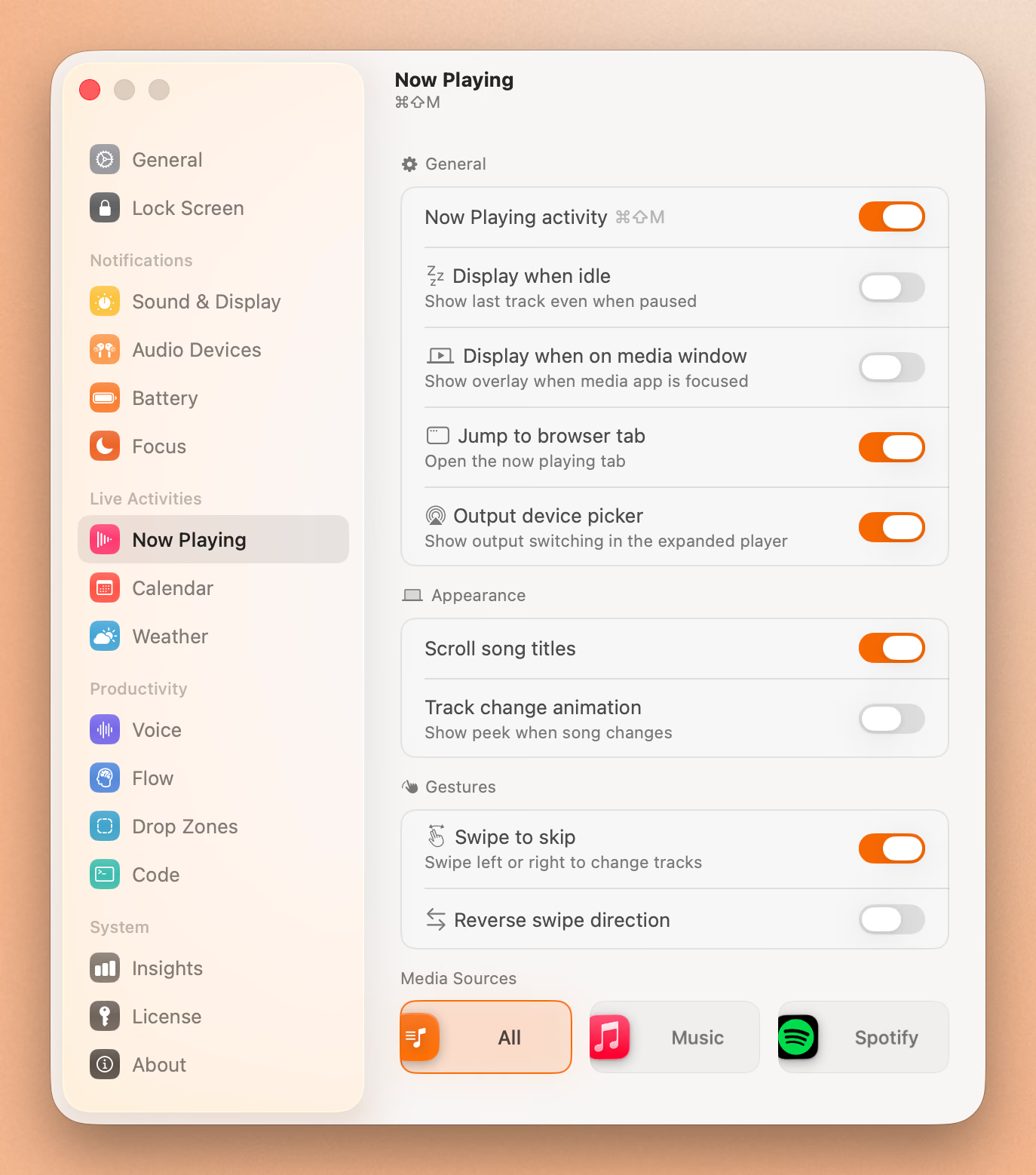
NotchNook: Extensive. Custom colors, widget layouts, animation speeds, haptic feedback settings. You can spend hours tweaking it.
Boring Notch: Moderate customization. Being open source means you could technically modify anything, but the UI options are more limited than NotchNook.
Seam: Minimal customization by design. The philosophy is that you shouldn’t need to configure your notch app. It should just work.
Winner: NotchNook for power users.
Full Feature Comparison
| Feature | NotchNook | Boring Notch | Seam |
|---|---|---|---|
| Now Playing | ✓ | ✓ | ✓ |
| Album Art | ✓ | ✓ | ✓ |
| Music Visualizer | ✗ | ✓ | ✗ |
| Calendar | ✓ | ✓ | ✓ |
| Reminders | ✗ | ✓ | ✗ |
| Focus/Pomodoro Timer | ✗ | ✓ | ✓ |
| File Shelf | ✓ | ✓ | ✗ |
| AirDrop | ✓ | ✓ | ✗ |
| HUD Replacement | ✓ | ✓ | ✓ |
| Widgets | ✓ | ✗ | ✗ |
| Shortcuts Integration | ✓ | ✗ | ✗ |
| Webcam Mirror | ✓ | ✓ | ✗ |
| Battery Indicators | ✗ | ✓ | ✓ |
| AirPods Status | ✗ | ✗ | ✓ |
| Non-notch Mac Support | ✓ | ✓ | ✓ |
| Haptic Feedback | ✓ | ✗ | ✗ |
Battery & Performance
This matters more than features if you’re on a laptop.
NotchNook: Moderate battery impact. Background processes run continuously. Users report it’s acceptable but noticeable on long days.
Boring Notch: Variable. With the visualizer disabled, it’s reasonable. With visualizer on, expect higher CPU usage and faster battery drain. Some users have reported memory leaks in certain versions.
Seam: Designed for minimal impact. The app only activates when something changes (song changes, calendar event starts, etc.), so it stays idle the rest of the time.
Winner: Seam. Lowest battery impact by design.
Pricing & Value
NotchNook: Not for sale right now. It was $25 one-time or $3/month, also on Setapp, with a free trial. The one-time price was fair for what you got.
Boring Notch: Free. Open source under MIT license. No catch, just community-developed software.
Seam: $29 one-time purchase (no subscription). Price sits above free and just above NotchNook’s old $25.
Value analysis:
- If you want free → Boring Notch
- If you want maximum features → NotchNook, once it’s back on sale
- If you want polish without complexity → Seam
Put Your Notch To Work
That black bar already takes up space. Give it music, timers, and voice typing.
Download for free
Installation & Setup
NotchNook: No download is available right now. When it was on sale it was signed and notarized, so it installed like any Mac app.
Boring Notch: Download from GitHub or install via Homebrew (brew install --cask boring-notch). Since it’s unsigned, macOS will warn you. You’ll need to go to System Settings > Privacy & Security > Open Anyway.
Seam: Download from the website. Signed and notarized for smooth installation.
Winner: NotchNook and Seam tie for ease. Boring Notch requires extra steps.
Stability & Bugs
NotchNook: Generally stable. Occasional reports of features not working after macOS updates, but the developer actively maintains it.
Boring Notch: Mixed. As an open-source project, bug reports are common on GitHub. Issues include AirDrop blank boxes, Now Playing not detecting some apps, and occasional notch misplacement. Updates come from the community.
Seam: Focused feature set means fewer edge cases. Native Mac implementation prioritizes stability.
Winner: NotchNook and Seam tie.
Who Should Choose What?
Choose NotchNook if you:
- Want every possible feature
- Enjoy customizing your setup
- Don’t mind paying $25 for the definitive option
- Use file shelf and widgets frequently
Choose Boring Notch if you:
- Want free and don’t mind occasional bugs
- Like supporting open-source projects
- Want to try the concept before paying
- Enjoy the music visualizer aesthetic
Choose Seam if you:
- Want something that just works
- Care about battery life
- Prefer focused features over feature bloat
- Like native Mac app design
- Don’t want to think about your notch app
The Verdict
For most users: Seam offers the best balance. It does what a notch app should: surface useful information without getting in your way or draining your battery.
For power users: NotchNook was worth the $25 for full control, if you didn’t mind the learning curve. It’s off sale today, so there’s no direct replacement yet.
For budget-conscious users: Start with Boring Notch. It’s capable and improving. If you hit frustrations, upgrade to Seam or NotchNook.
Frequently Asked Questions
Can I get NotchNook for free?
NotchNook never had a permanently free version, only a free trial. It cost $25 one-time or $3/month, and it can’t be bought right now. If you want a completely free option with similar functionality, Boring Notch is open source and free forever. Seam costs $29 once.
Ready to try Seam? Download Seam for Mac and see the difference a focused approach makes.
See also: Best Mac Notch Apps in 2026 | Dynamic Island for Mac | Seam vs Alcove
Related Reading
Put Your Notch To Work
That black bar already takes up space. Give it music, timers, and voice typing.
Download for free