
Seam vs Boring Notch: Stability vs Free (2026)
Two apps. Same goal. Completely different approaches.
Boring Notch is free, open source, and beloved by the community with over 5,000 GitHub stars. Seam is a paid macOS app that prioritizes polish, stability, and battery life above all else. Both are Mac-only. If you’re searching for a Boring Notch alternative with better stability, or wondering about the best free notch app for Mac, this comparison will help you decide.
Which one deserves a spot on your MacBook?
TL;DR: Boring Notch is impressive for a free app, and it has features Seam doesn’t. But if you value stability, battery life, and a “just works” experience, Seam is the best Boring Notch alternative. Start with Boring Notch if you’re budget-conscious, upgrade to Seam if you hit frustrations.

Quick Comparison
| Aspect | Seam | Boring Notch |
|---|---|---|
| Price | $29 (one-time) | Free |
| Source | Closed | Open source (MIT) |
| Installation | Signed & notarized | Unsigned (requires bypass) |
| Philosophy | Focused, native | Feature-packed, community-driven |
| Battery Impact | Minimal | Variable (visualizer is heavy) |
| Updates | Developer-maintained | Community contributions |
| GitHub Stars | N/A | 5,000+ |
Feature-by-Feature Breakdown
Music & Now Playing
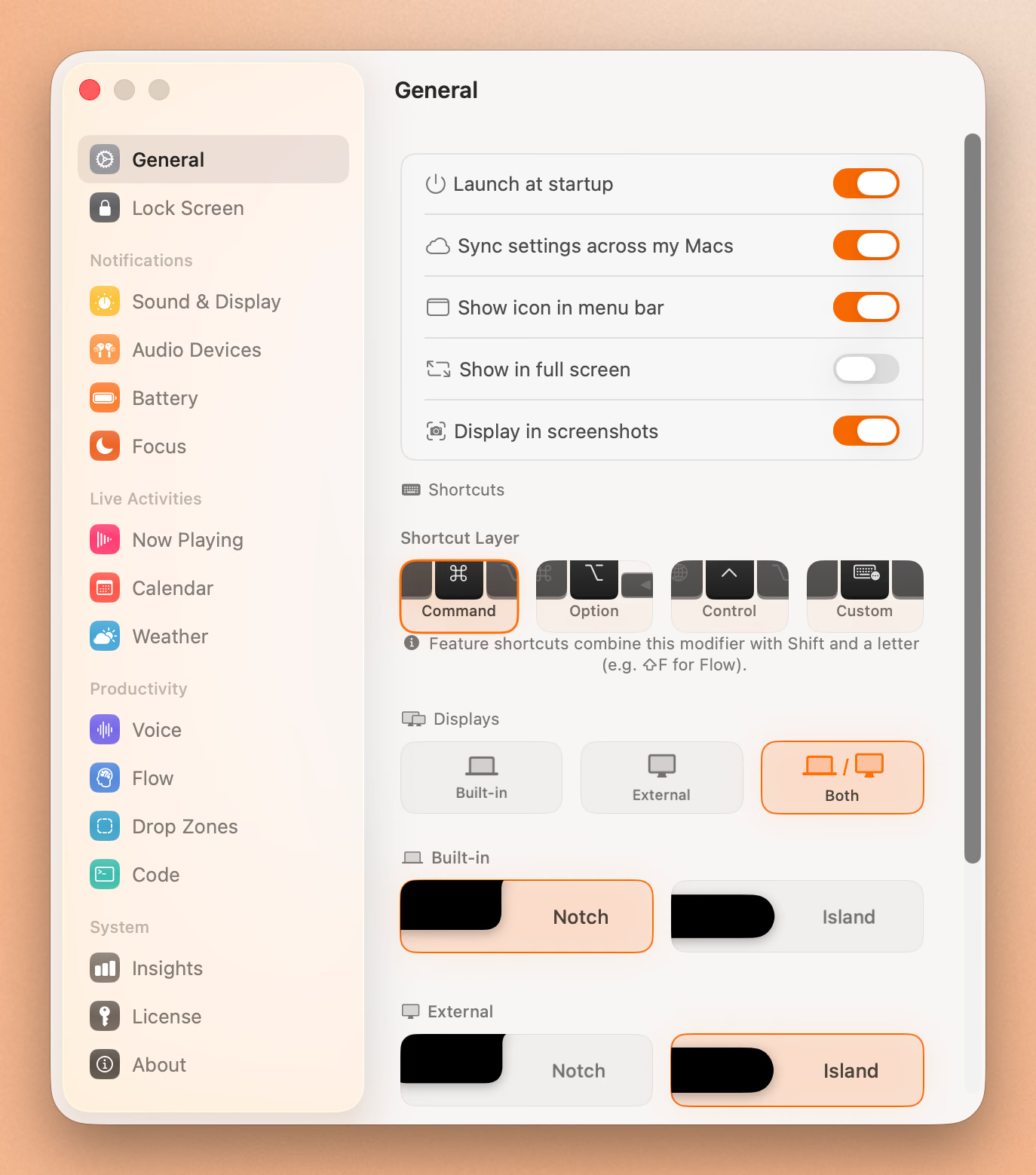
Both apps show what’s playing with album art and track information. The experience differs significantly:
Boring Notch offers a real-time audio visualizer that pulses with your music. It looks fantastic. Colorful waveforms react to the beat. The downside? That visualizer is constantly processing audio data, which means CPU cycles and battery drain. You can disable it, but then you lose one of Boring Notch’s signature features.
Seam takes the opposite approach. Clean Now Playing display with album art, designed to be glanceable rather than attention-grabbing. No visualizer, which means no extra CPU load. The app only activates when songs change, staying silent until there’s something new to show.
Verdict: Boring Notch wins on style. Seam wins on battery life. If you’re often on battery power, Seam’s approach makes more sense.
System HUDs (Volume & Brightness)
Boring Notch replaces the default macOS volume and brightness overlays with sliders that integrate into the notch. Version 2.7 refined this with improved animations. The result looks cohesive. Your HUDs feel native to the notch experience.
Seam also replaces macOS HUDs, but goes further by fully suppressing the default macOS overlay. Rather than just displaying alternative UI, Seam prevents double-display conflicts entirely. You only ever see one HUD.
Verdict: Tie. Both accomplish the same goal well.
Device Connections (AirPods, Beats)
Boring Notch shows basic connection status for Bluetooth devices. Battery indicators work, though the implementation has had reported issues in some versions.
Seam was built with AirPods and Beats in mind. You get detailed battery levels: left earbud, right earbud, and charging case displayed separately. The connection animation is a 3D video that mirrors Apple’s iPhone experience. Your specific AirPods model is automatically recognized and displayed correctly.
Verdict: Seam wins decisively. Device connections are one of its core strengths.
Battery Monitoring
Boring Notch version 2.7 (“Flying Rabbit”) significantly improved battery status with percentage display, max capacity, charging status, and low power mode indicators.
Seam responds instantly to battery changes without constantly checking in the background. Battery changes trigger immediate UI updates. Low battery warnings appear at 20%. Charging state transitions are smooth.
Verdict: Both are capable. Seam’s approach is more battery-friendly since it only reacts when something changes.
Focus Mode Detection
Boring Notch doesn’t have dedicated Focus mode integration.
Seam detects Focus modes without requiring any permissions, a privacy-first approach. It recognizes all default Focus modes plus custom ones you’ve created, displaying the appropriate icon for each.
Verdict: Seam wins. This feature doesn’t exist in Boring Notch.
File Shelf & AirDrop
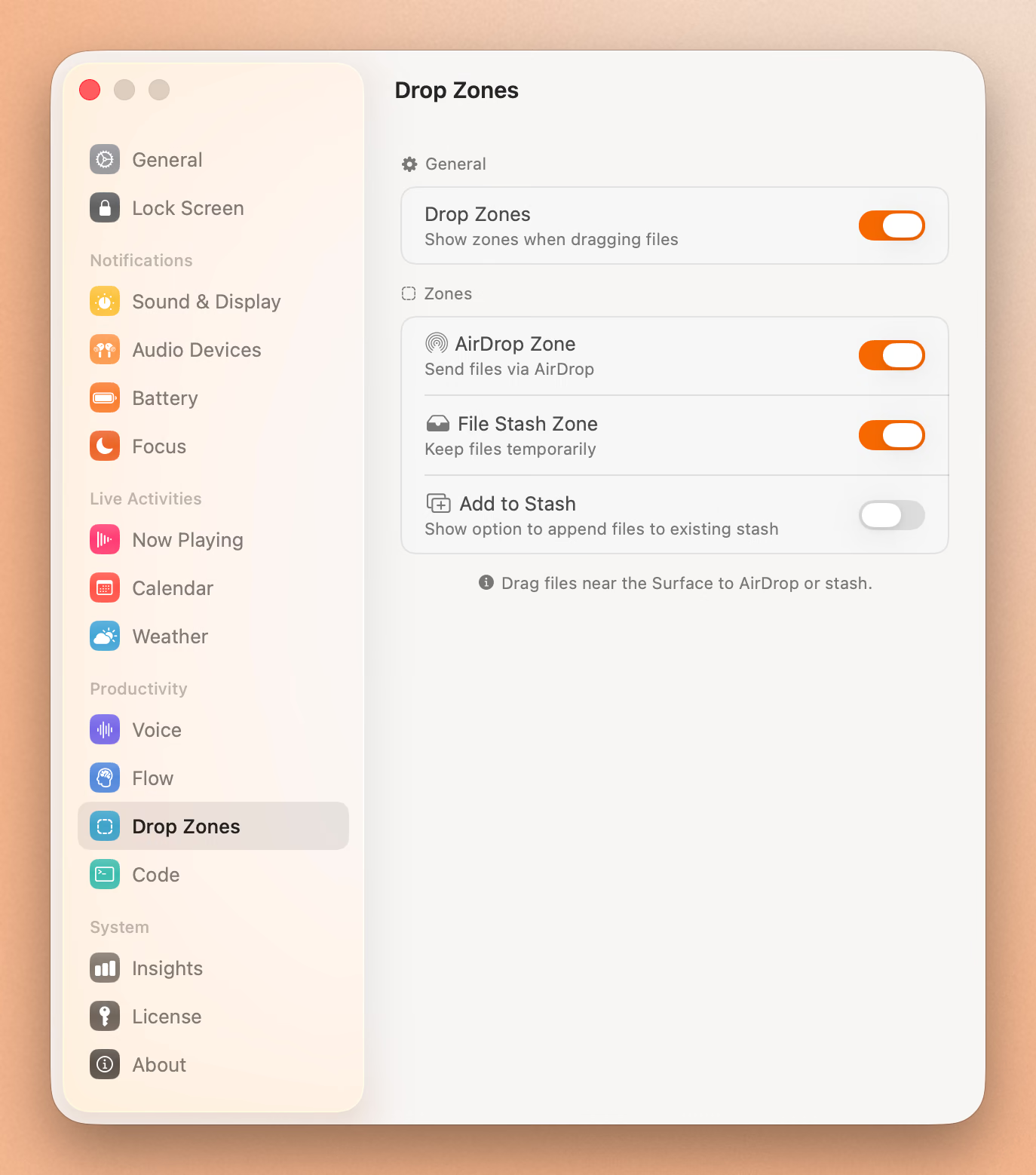
Boring Notch includes a file shelf where you can drag files into the notch for temporary storage or quick AirDrop sharing. It’s convenient when it works, though some users report occasional bugs like blank boxes and files not appearing.
Seam doesn’t include a file shelf. The philosophy is that file management belongs in Finder, not your notch app.
Verdict: Boring Notch wins if you want this feature. Seam intentionally excludes it.
Calendar & Timer
Boring Notch integrates with Calendar and Reminders, plus includes a built-in Pomodoro timer for productivity.
Seam includes calendar event previews and a dedicated Flow timer designed around the concept of staying in flow. Minimal interruption, maximum awareness.
Verdict: Boring Notch for basic calendar/timer needs. Seam for focus-oriented productivity.
Additional Features
Boring Notch exclusives:
- Clipboard monitor (shows recent copies)
- Camera preview/mirror
- Reminders integration
- Works on non-notch Macs
Seam exclusives:
- Lock/unlock notifications with sounds
- Privacy mode (hide from screen recordings)
- Detailed AirPods battery (L/R/Case)
- Zero-permission Focus mode detection
Full Feature Comparison Table
| Feature | Seam | Boring Notch |
|---|---|---|
| Now Playing | Yes | Yes |
| Album Art | Yes | Yes |
| Music Visualizer | No | Yes |
| Volume HUD | Yes | Yes |
| Brightness HUD | Yes | Yes |
| System HUD Suppression | Yes | No |
| AirPods Connection | Yes (detailed) | Yes (basic) |
| Battery per Earbud | Yes | No |
| Mac Battery | Yes | Yes |
| Focus Mode Detection | Yes | No |
| Calendar Events | Yes | Yes |
| Reminders | No | Yes |
| Focus/Pomodoro Timer | Yes | Yes |
| File Shelf | No | Yes |
| AirDrop | No | Yes |
| Clipboard Monitor | No | Yes |
| Camera Mirror | No | Yes |
| Lock/Unlock Alerts | Yes | No |
| Hide from Recording | Yes | No |
| Non-notch Mac Support | Yes | Yes |
Stability & Bugs
Boring Notch is actively maintained by an open-source community, which is both a strength and weakness. Bug reports on GitHub are common: the notch disappearing after sleep, AirDrop showing blank boxes, and Now Playing not detecting certain apps. Version 2.5 notably fixed memory leaks (the team humorously noted they “taught the app that RAM isn’t an all-you-can-eat buffet”). Being open source means bugs get documented publicly and often fixed quickly, but stability varies by version.
Seam has a focused feature set, which means fewer edge cases to break. Built as a native Mac app with a focused scope, it has fewer moving parts that can go wrong. The app is signed and notarized by Apple, so code integrity is verified.
Verdict: Seam is more stable. Boring Notch is improving but has more moving parts.
Battery & Performance
This is where the architectural differences become tangible.
Boring Notch users have reported 3-5% battery drain per hour with the visualizer active. Even idle, some users note higher drain than expected. The memory leak fixes in version 2.5 helped, but processing audio visualization nonstop has inherent costs.
Seam is designed for minimal battery impact. No constant processing. The app sits dormant until something happens: song change, battery status change, device connection. Then it updates the UI and goes back to sleep. It only activates when something changes, which is how battery-efficient apps should work.
In Activity Monitor testing:
- Boring Notch (visualizer on): 8-12% CPU during playback
- Boring Notch (visualizer off): 2-4% CPU
- Seam: 0-1% CPU during playback, spikes briefly on state changes
Verdict: Seam wins clearly. Reacting to changes beats always-on processing.
Installation Experience
Boring Notch requires a security bypass because the team doesn’t have an Apple Developer account. After downloading, macOS blocks execution. You need to:
- Try to open the app (it fails)
- Go to System Settings > Privacy & Security
- Scroll down and click “Open Anyway”
- Confirm the dialog
This happens once, but it’s friction. For less technical users, an “unidentified developer” warning can be alarming.
Seam is signed and notarized. Download, drag to Applications, open. Done.
Verdict: Seam wins on first-run experience.
Put Your Notch To Work
That black bar already takes up space. Give it music, timers, and voice typing.
Download for free
Pricing & Value
Boring Notch is free. Completely free. Open source under MIT license. No ads, no tracking, no catch. If you’re a student, budget-conscious, or just want to try the concept, this is hard to beat.
Seam uses tiered one-time pricing ($29). No subscription. You pay once, you own it. The price sits well below NotchNook ($25) while offering what matters most: stability and low battery impact.
Value analysis:
- Boring Notch: Incredible value for $0
- Seam: Fair value for paid users who want reliability
Verdict: Boring Notch wins on pure price. Seam wins if your time and battery life have value.
Finding the Best Boring Notch Alternative or Free Notch App for Mac
The decision between Seam and Boring Notch comes down to what you value most. If you want a free notch app for Mac with lots of features and don’t mind occasional quirks, Boring Notch delivers. If you’re looking for a polished Boring Notch alternative that just works, Seam is worth the modest investment.
Who Should Choose Boring Notch?
Choose Boring Notch if you:
- Want free software. You can’t beat $0.
- Love the visualizer. It looks great.
- Support open source. Contribute to a community project.
- Want to try the concept. Test before committing money.
- Need clipboard monitoring. Seam doesn’t have this.
- Want AirDrop from the notch. File shelf is useful.
Who Should Choose Seam?
Choose Seam if you:
- Value battery life. Minimal battery impact matters on laptops.
- Want stability. Fewer bugs, signed app.
- Use AirPods heavily. Detailed L/R/Case battery is useful.
- Care about Focus modes. Zero-permission detection.
- Prefer simplicity. It just works, no configuration needed.
- Record your screen. Hide-from-capture prevents embarrassment.
- Dislike security bypasses. Signed and notarized installation.
The Verdict
Let’s be honest: Boring Notch is impressive. For a free, community-developed app, it punches way above its weight. The visualizer is beautiful. The file shelf is useful. The team is passionate and responsive.
But “impressive for free” isn’t the same as “best experience.”
Seam exists because some things are worth paying for. Battery life on a laptop matters. Stability matters. Not having to troubleshoot matters. The philosophy of only activating when something changes isn’t a marketing bullet point. It’s a core design decision that affects every moment you use your Mac.
If you’re trying to decide:
- Start with Boring Notch. It’s free, it’s capable, see if you like the concept.
- If you hit frustrations. Crashes, battery drain, bugs? Consider Seam.
- If you value your time. Skip to Seam and enjoy the polish.
Both apps make your MacBook’s notch useful. One costs nothing. One costs a few dollars. The difference is in the details.
Frequently Asked Questions
What is a boring notch?
Boring Notch, sometimes searched as “boringnotch” or “the boring notch,” is a free, open-source Mac app that transforms your MacBook’s camera notch into a functional Dynamic Island-style display. The name is a playful nod to making the “boring” notch more useful. It offers features like music visualization, file shelf, AirDrop support, and calendar integration. With over 5,000 GitHub stars, it’s one of the most popular free notch app for Mac options available.
Ready to try Seam? Download Seam for Mac. One-time purchase, no subscription, minimal battery impact.
Want free? Get Boring Notch. Open source and actively developed.
See also: NotchNook vs Boring Notch vs Seam | Seam vs NotchNook | Best Mac Notch Apps in 2026
Related Reading
Put Your Notch To Work
That black bar already takes up space. Give it music, timers, and voice typing.
Download for free