
Seam vs NotchNook: Mac Notch App Comparison (2026)
Looking for a NotchNook alternative? Wondering which Mac notch app offers the best balance of features and battery life? Both Seam and NotchNook are macOS-only apps designed for MacBook. We’ve put both through extensive testing to help you decide.
TL;DR: NotchNook offers more widgets and customization for $25, but users report persistent battery drain and stability issues. Seam focuses on essential features designed for minimal battery impact and rock-solid stability. Choose NotchNook for widgets and customization; choose Seam for low battery use and reliability.
Update, 6 October 2026: NotchNook can’t be bought right now. The lo.cafe site no longer loads, the Setapp listing is gone, and Homebrew disabled its cask on 19 September. The prices below are what it sold for. Shopping today? See NotchNook alternatives.

Quick Comparison
| Feature | Seam | NotchNook |
|---|---|---|
| Price | $29 (one-time) | $25 one-time or $3/month |
| Battery Impact | Minimal | Moderate to High (reported issues) |
| Now Playing | Yes | Yes |
| Volume/Brightness HUD | Yes (system HUD suppression) | Yes |
| Calendar | Yes | Yes |
| Focus Detection | Yes (no permissions needed) | No |
| Device Connections | Yes (detailed battery) | No |
| File Shelf | Yes (file stash + AirDrop) | Yes |
| AirDrop | No | Yes |
| Widgets | No | Yes |
| Webcam Mirror | No | Yes |
| Customization | Minimal (by design) | Extensive |
| Non-notch Mac Support | Yes | Yes |
Feature-by-Feature Breakdown
Volume & Brightness HUDs
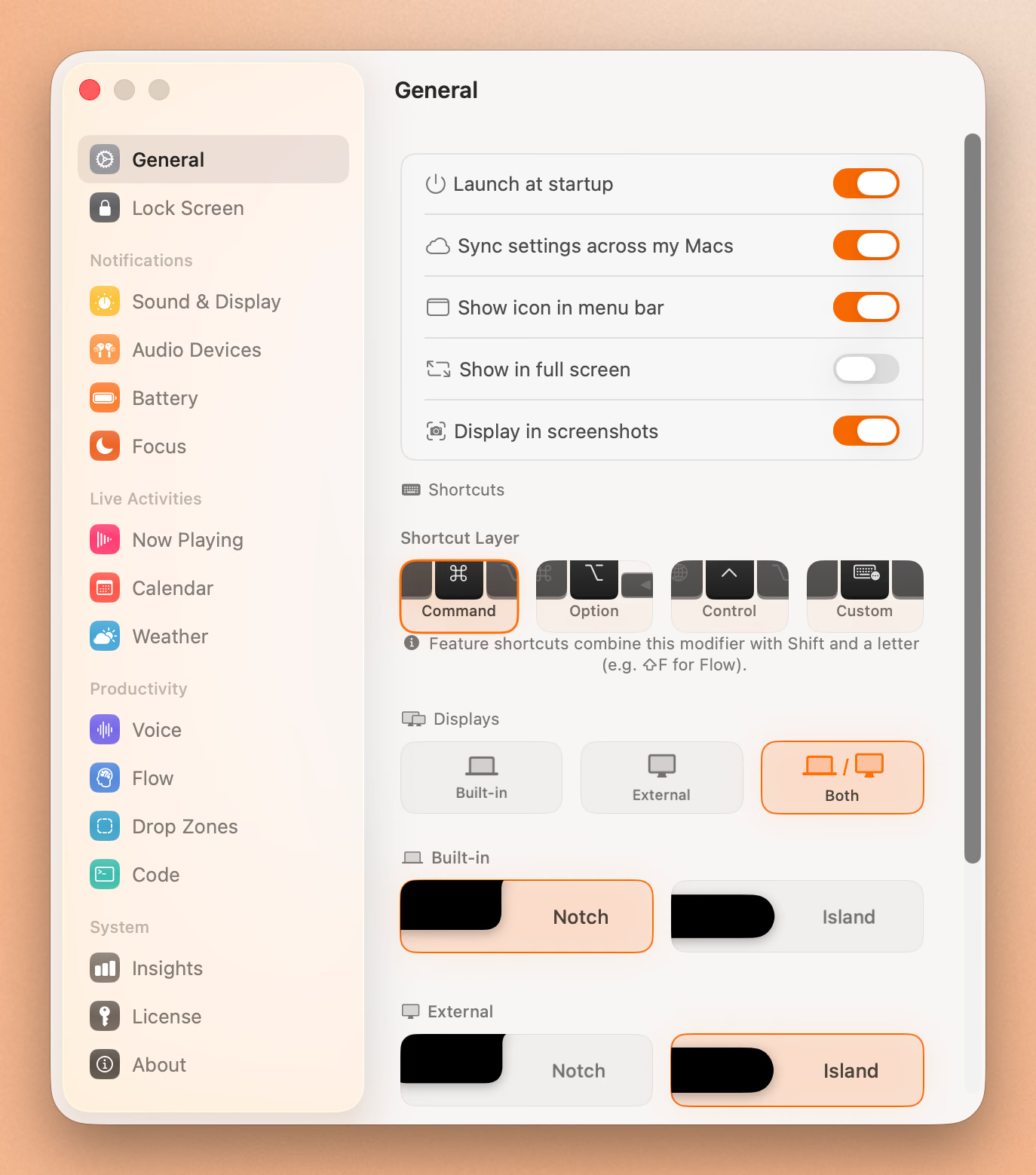
Both apps can replace the default macOS volume and brightness overlays with notch-integrated versions. However, the implementation differs significantly.
Seam responds instantly when you press a volume or brightness key and displays its own HUD. Seam fully suppresses the default macOS overlay, so you never see double overlays.
Seam also includes intelligent filtering: small brightness changes are ignored (auto-brightness adjustments), and rapid volume changes from transcription apps are suppressed to avoid HUD spam.
NotchNook also offers HUD replacement with custom designs. You can turn on the “HUD replacement” option to move all on-screen controls into the notch area. The implementation is functional, though some users have reported occasional double overlays or HUD delays.
Winner: Seam. Full system HUD suppression means no double overlays, ever.
Device Connection Notifications
This is where Seam stands out. When you connect AirPods, Beats headphones, or other Bluetooth audio devices, Seam displays a rich notification with device identification and detailed battery information.
Seam shows:
- Automatic device model recognition (AirPods Pro 2, Beats Fit Pro, etc.)
- Separate battery levels for left earbud, right earbud, and charging case
- Video animations for supported Apple devices
- Instant detection when devices connect or disconnect
NotchNook doesn’t include device connection notifications. While it has media controls and various widgets, Bluetooth device awareness isn’t part of its feature set.
Winner: Seam. Full device awareness that NotchNook lacks entirely.
Focus Mode Detection
Seam detects when you toggle Focus modes (Do Not Disturb, Work, Gaming, Sleep, custom modes) and displays a notification in the notch. The remarkable part: it does this without requesting any permissions.
Seam detects Focus modes without requiring any permissions, including switches between Focus modes while Focus stays active. It extracts metadata like icon, color, and mode name automatically.
Custom Focus modes with custom icons work too, including system icons for Gaming, Mindfulness, and any custom modes you’ve created.
NotchNook doesn’t include Focus mode detection. You’ll need to check Control Center manually to see if a Focus mode is active.
Winner: Seam. Privacy-respecting Focus detection that works without permissions.
Battery Monitoring
Seam monitors your MacBook’s battery state and responds instantly to changes. It shows notifications when:
- Charger is connected (with charging sound)
- Battery drops to 20% or below (with warning sound)
Seam only activates when the power state actually changes. No background scanning.
NotchNook doesn’t include battery monitoring as a core feature. You’d need to rely on macOS’s built-in battery indicator in the menu bar.
Winner: Seam. Smart battery awareness with meaningful alerts.
File Shelf & AirDrop
NotchNook includes a file shelf (“Tray”) feature that lets you drag files onto the notch for temporary storage. You can then drag them to other apps or use the built-in AirDrop integration to send files to nearby devices. This is useful for workflows involving frequent file transfers.
Seam has a file stash too. Drag a file toward the notch and two drop targets appear: AirDrop it right away, or stash it and drag it out later.
Winner: Tie. NotchNook’s tray does more, Seam’s stash stays out of the way until you drag a file.
Widgets & Customization
NotchNook offers extensive customization:
- Calendar widget showing upcoming events
- Shortcuts widget for triggering automations
- Mirror widget for webcam preview
- Custom color themes
- Ambient backgrounds and visual effects
- Haptic feedback settings
- Flexible appearance settings
You can spend hours tweaking NotchNook to look exactly how you want. For power users who enjoy customization, this is a major selling point.
Seam takes the opposite approach: minimal customization by design. The philosophy is that you shouldn’t need to configure your notch app. It should just work. Colors are carefully chosen, animations are purposeful, and everything is optimized for glanceability.
Winner: NotchNook for customization enthusiasts; Seam for those who prefer “it just works.”
Battery & Performance
This is perhaps the most important differentiator for laptop users.
Seam’s Low-Impact Design
Seam is designed so that every feature (volume, brightness, battery, device connections, Focus mode) only activates when something actually changes. The app literally does nothing when nothing is happening.
- Volume and brightness changes are detected the instant they happen
- Battery state changes trigger immediate updates
- Focus mode switches are picked up automatically
- Bluetooth connections are recognized as soon as a device pairs
This means near-zero CPU usage when idle. Activity Monitor shows minimal impact.
NotchNook’s Battery Concerns
NotchNook has faced persistent battery drain reports since its January 2024 launch. According to user reports and reviews:
- macOS Activity Monitor frequently shows NotchNook as a high-energy consumer
- Users report battery life dropping from 10 hours to 6-7 hours with NotchNook running
- On MacBook Pro M4, some users report 5% battery drain per hour while idle
- CPU usage of 8-12% even when the app is idle has been documented
The developers have acknowledged the issue and released fixes in version 1.5.2 and later, but reports indicate the problem persists for many users, particularly on newer macOS versions and M4 chips.
The recommended workaround is rolling back to version 1.4.6, though this means missing newer features.
Winner: Seam. Its event-driven design provides measurably lower battery impact.
Pricing Comparison
| Seam | NotchNook | |
|---|---|---|
| Price | $29 | $3/month or $25 |
| Model | One-time purchase | Subscription or one-time |
| Devices | Unlimited | 2 (subscription) or 5 (one-time) |
| Trial | Yes | 48-hour trial |
Seam uses simple one-time pricing. $29 gets you everything. No subscription, no recurring charges.
NotchNook offers either a $3/month subscription (2 devices) or a $25 one-time purchase (5 devices). The one-time price is reasonable for what you get, though it’s notably higher than Seam’s full price.
Both apps offer free trials, so you can test before committing.
Winner: Seam for value. Lower price point with no subscription.
Stability & Maintenance
Seam is built as a native Mac app with a focused feature set, which means fewer edge cases and potential bugs. Updates focus on refinement rather than feature expansion.
NotchNook is actively maintained and frequently updated. However, users have reported:
- Calendar widget sometimes fails to populate events
- Mirror widget issues with external cameras
- Crash-on-launch bugs on macOS 15.4 and later
- Features breaking after macOS updates (including reports of issues on macOS Tahoe)
The developer is responsive in Discord and actively works on fixes, but the broader feature set means more potential failure points.
Winner: Seam. Focused features and a lean design mean fewer things can break.
Put Your Notch To Work
That black bar already takes up space. Give it music, timers, and voice typing.
Download for free
Who Should Choose Seam?
Choose Seam if you:
- Prioritize battery life: Only activates when something changes, minimal impact
- Want “set and forget”: No configuration needed, it just works
- Care about device awareness: Rich AirPods/Beats notifications with battery details
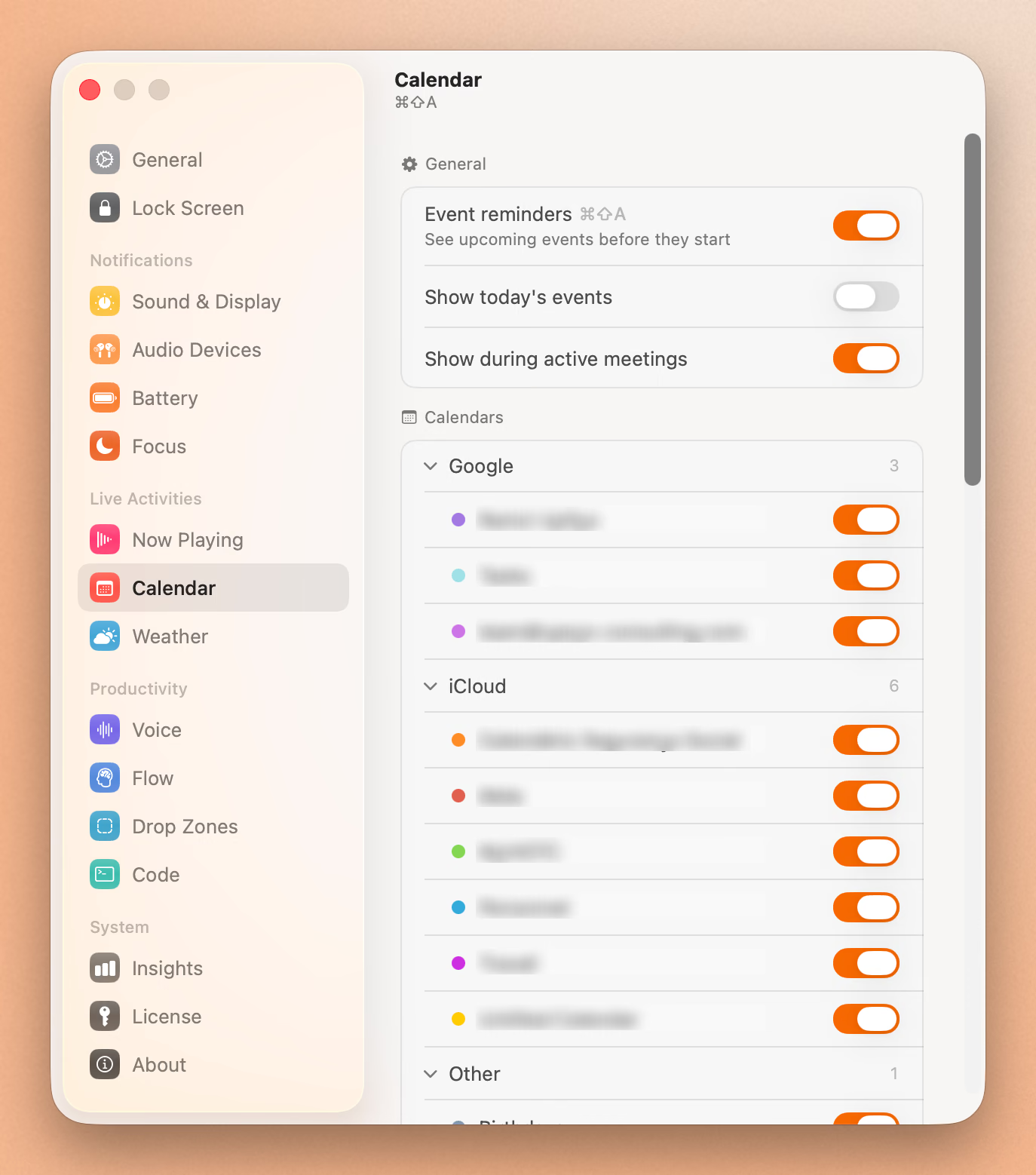
- Use Focus modes: Permission-free Focus detection with custom mode support
- Prefer native Mac feel: Design that feels like it belongs on macOS
- Want one-time pricing: No subscriptions, ever
Who Should Choose NotchNook?
Choose NotchNook if you:
- Need file shelf/AirDrop: Workflow depends on quick file staging
- Want widgets: Calendar, Shortcuts, Mirror, and other utilities
- Enjoy customization: Colors, effects, haptics, and layout tweaks
- Use a non-notch Mac: NotchNook works on all Macs
- Don’t mind troubleshooting: Willing to manage potential battery/stability issues
The Verdict
NotchNook is the feature-rich option that tries to do everything. If you want widgets, file shelf, extensive customization, and don’t mind the higher price and potential battery concerns, it delivers. The $25 one-time purchase is fair for the feature set.
Seam is the focused alternative for users who want their notch to surface useful information without draining their battery or requiring constant configuration. The philosophy of only activating when something changes isn’t just a technical detail. It’s a core design choice that prioritizes battery life over feature count.
For most users, we believe Seam offers the better trade-off: essential features implemented exceptionally well, with minimal system impact. If you’ve tried NotchNook and found it draining your battery or feeling bloated, Seam might be exactly what you’re looking for.
Frequently Asked Questions
What is NotchNook?
NotchNook is a paid Mac notch app built around customization: a calendar and Shortcuts widget, a file shelf with AirDrop, a webcam mirror, and extensive appearance settings. It cost $25 one-time or $3 a month, sold directly and through Setapp, until it was pulled from sale in September 2026. Users have reported battery drain and stability issues on newer macOS versions, which is the trade-off this comparison weighs against Seam.
Ready to try Seam? Download Seam for Mac and experience a Mac notch app that respects your battery as much as your time.
See also: NotchNook vs Boring Notch vs Seam | Seam vs Boring Notch | Best Mac Notch Apps in 2026
Related Reading
Put Your Notch To Work
That black bar already takes up space. Give it music, timers, and voice typing.
Download for free