
Atoll Alternative for Mac: Seam Compared (2026)
Looking for an Atoll alternative for your Mac? Atoll is a free, open-source app that turns the MacBook notch into a command surface for media controls, system stats, and quick utilities. It costs nothing: no trial, no subscription, no one-time fee. It’s licensed under GPL v3 and built on top of the Boring.Notch codebase, with active development from a small team based at SRM Institute of Science and Technology in Chennai, India.
TL;DR: Atoll is free, open source, and packs in more raw features than most paid notch apps, including a clipboard manager, live CPU and GPU stats, and a terminal tab. But it only runs on 14 and 16 inch MacBook Pro models with a physical notch, its signing has had real bugs, and it has no voice-to-text or focus timer. Seam costs $29 once, is signed and notarized, runs on any Mac including ones without a notch, and adds on-device voice transcription and a Flow focus timer that Atoll doesn’t have.

What Is Atoll?
On GitHub, Atoll describes itself as “DynamicIsland for macOS,” a free tool that turns the MacBook notch into a command center rather than dead space. It’s an open-source project (not a company), maintained by Ebullioscopic on GitHub, with 3,900+ stars and 263 forks at the time of writing.
The feature list is large for a free app:
- Media controls for Apple Music, Spotify, and Cider with inline previews
- Live Activities for media playback, Focus mode, screen recording, privacy indicators, and battery/charging
- Lock screen widgets for media, timers, charging, Bluetooth devices, and weather
- System stats: CPU, GPU, memory, network, and disk usage, including CPU temperature
- A clipboard manager, a color picker, and a working terminal tab
- Calendar previews and gesture controls for opening, closing, and scrubbing media
What Does Atoll Cost?
Nothing. Atoll is free and open source under the GPL v3 license, no in-app purchases, no subscription tier. The project takes voluntary support through GitHub Sponsors and Buy Me a Coffee, but none of that is required to use the app.
Why People Look for an Atoll Alternative
Atoll’s price is hard to beat, but the trade-offs are real, and they show up in the project’s own issue tracker.
Hardware is restrictive. Atoll’s README states the requirement directly: “MacBook with a notch (14/16-inch MBP across Apple silicon generations).” That means Apple Silicon only, and it means a 14 or 16 inch MacBook Pro specifically. It does not cover the notched 13.6 inch MacBook Air, and it doesn’t work on a Mac mini, Mac Studio, iMac, or an external display. Apple’s own support documentation on the camera housing confirms the notch design also ships on MacBook Air, which Atoll’s stated requirements leave out.
Signing has had bugs. One open issue reports that a released DMG “passes SHA-256 verification but the app signature is invalid on arm64” (Atoll issue #586). A separate issue tracked a related problem: the app is Hardened Runtime signed, but shipped without the resource-access entitlements it needs, so Calendar, Camera, and AppleScript permission prompts never reach macOS at all on some versions. Multiple users also report repeated “Developer Tools Access” prompts on every reboot.
Issue volume is high. As an actively developed open-source project, Atoll had 166 open issues on GitHub at the time of writing, spanning crashes, stuck timer controls, and compatibility problems with new macOS betas. That’s the normal cost of free, community-maintained software: fast iteration, but no one guaranteeing a fix on any particular timeline.
No voice-to-text or focus timer. Atoll’s productivity tools stop at generic timers, a clipboard manager, and a color picker. There’s no built-in dictation and no session-tracked focus timer with break reminders.
Where Atoll Actually Wins
To be fair to it: Atoll beats most paid notch apps, Seam included, on raw feature count for the price of zero dollars. If you want live CPU and GPU readouts, a clipboard history, a built-in terminal, or lock screen widgets, Atoll has all of that and Seam has none of it. It’s also the only app in this space that’s fully open source, so you can read the code before you trust it with Accessibility and Screen Recording permissions.
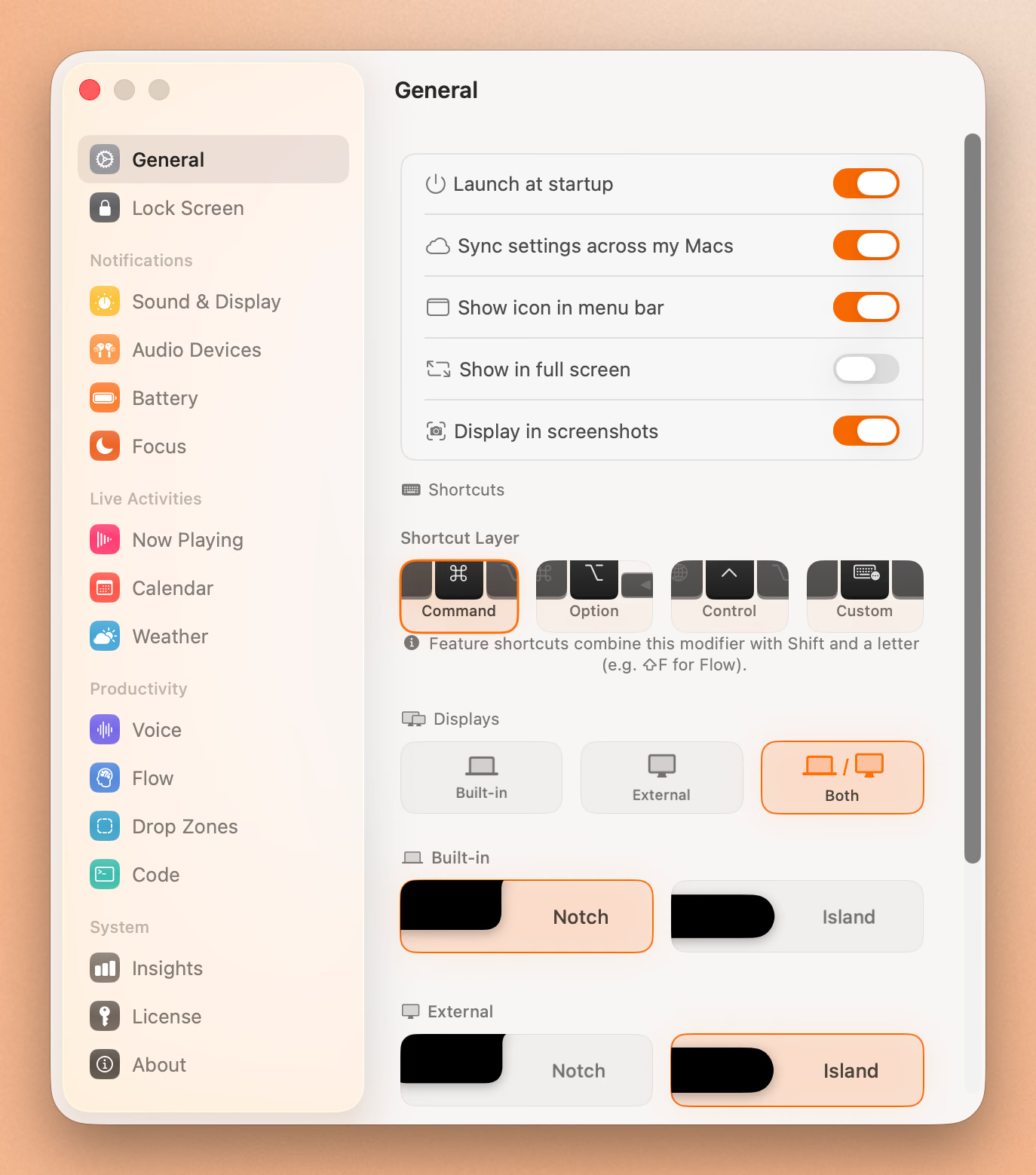
Atoll vs Seam: Feature Comparison
| Atoll | Seam | |
|---|---|---|
| Price | Free, open source (GPL v3) | $29, one-time |
| macOS required | 14.0+, optimized for 15+ | 14 (Sonoma) or later |
| Hardware | 14/16-inch MacBook Pro with a notch, Apple Silicon only | Any Mac, notch or floating mode |
| Signed and notarized | Hardened Runtime signed, with reported entitlement and signature bugs | Signed and notarized |
| Open source | Yes, GPL v3, 3,900+ GitHub stars | No |
| Now Playing / media controls | Yes: Apple Music, Spotify, Cider | Yes, plus an audio visualizer |
| Voice-to-text | No | Yes, on-device |
| Focus timer with session tracking | No, generic timers only | Yes (Flow) |
| Clipboard manager | Yes | No |
| Live system stats (CPU, GPU, memory, network) | Yes | No |
| Built-in terminal | Yes | No |
| Lock screen widgets | Yes | No |
| Drop zones / file shelf | Yes (Shelf) | Yes (Dropzones) |
| Calendar previews | Yes | Yes |
| Device battery (AirPods, etc.) | Yes | Yes |
| Volume HUD | Yes | Yes, with smart suppression for false triggers |
| Weather | Yes, on lock screen | Yes |
| Open GitHub issues | 166 (at time of writing) | Not applicable, closed source |
Put Your Notch To Work
That black bar already takes up space. Give it music, timers, and voice typing.
Download for free
Feature Breakdown
Stability and signing
Atoll ships with Hardened Runtime signing, which is more than some free notch apps do. But two of its open issues describe real installs where the signature validated by checksum yet failed on arm64, and where the app requested permissions the operating system never actually prompted for. Neither is a dealbreaker for a hobby project maintained by volunteers, but it does mean an install that works perfectly for one person can fail differently for the next.
Seam is signed and notarized through Apple’s standard notarization pipeline, so Gatekeeper trusts it on first launch without a manual bypass.
Productivity tools
Atoll covers the utility side well: a clipboard manager that keeps history, a color picker, and generic timers. What it doesn’t have is dictation or a dedicated focus session with tracked start and stop times. If your use case for the notch is deep work sessions rather than system monitoring, that gap matters.
Seam’s Flow timer tracks work and break intervals from the notch, and its voice-to-text runs entirely on-device, so nothing you dictate leaves your Mac.
Hardware coverage
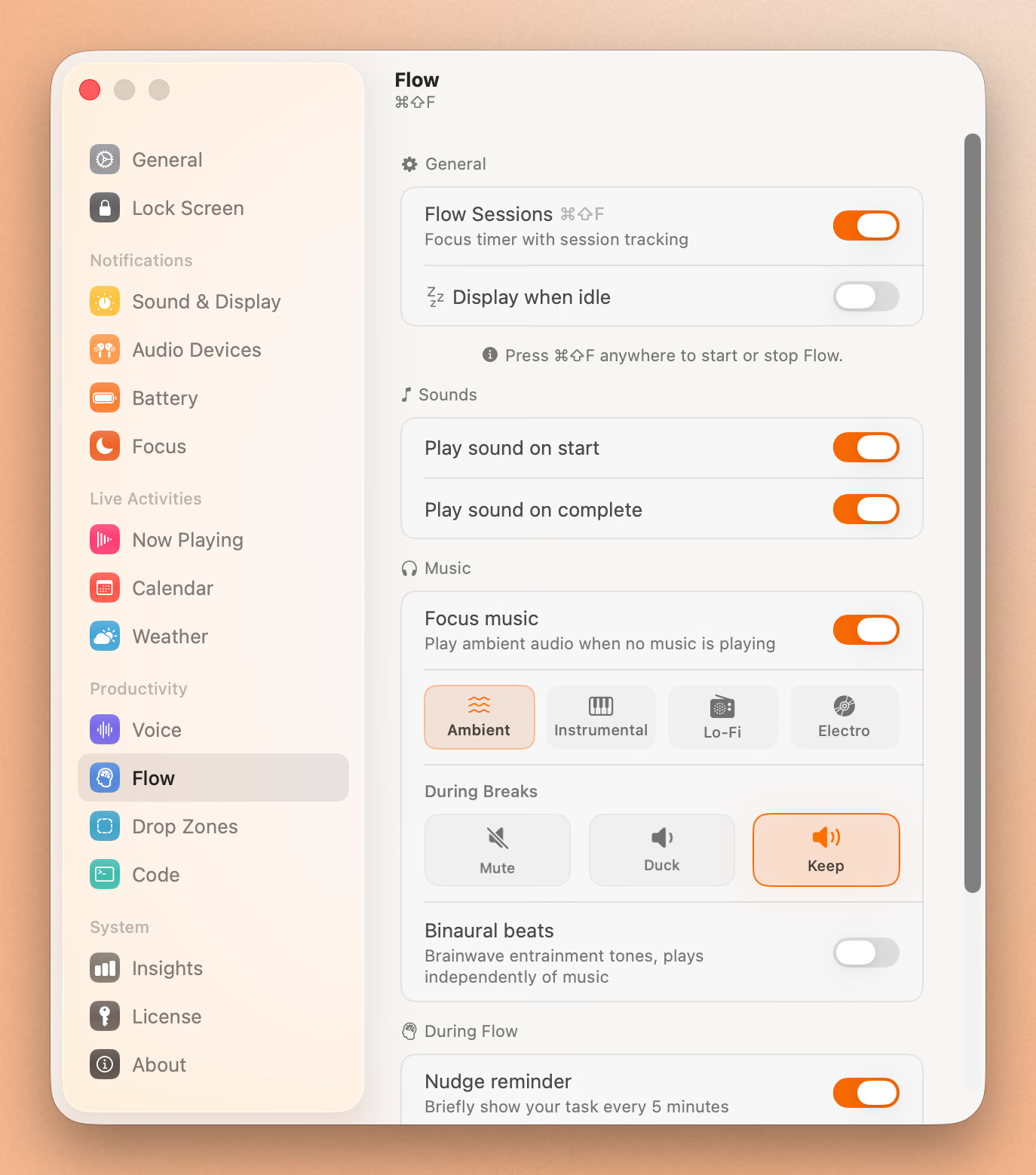
This is the clearest structural difference between the two. Atoll needs a physical notch on a 14 or 16 inch MacBook Pro. If you’re on a MacBook Air, a Mac mini, a Mac Studio, an iMac, or you’re using an external display, Atoll’s stated requirements don’t cover your setup.
Seam runs in floating mode on any Mac, notch or no notch, which is the reason it shows up as a workable option for people who searched for a notch app and don’t actually have a notch.
Who Should Choose Atoll
Atoll is the right pick if you:
- Have a 14 or 16 inch MacBook Pro with a notch, on Apple Silicon
- Want CPU, GPU, memory, and network stats visible without opening Activity Monitor
- Want a clipboard manager and a terminal tab built into the same surface as your media controls
- Don’t mind occasional bugs from a fast-moving, volunteer-maintained project
- Would rather read the source code than pay for the app
Who Should Choose Seam
Seam is the right pick if you:
- Want dictation and a focus timer with session tracking, not just generic timers
- Are on a MacBook Air, a desktop Mac, or use an external display
- Want a signed, notarized install with no open signature or entitlement bugs
- Would rather pay once than depend on a hobby project’s release cadence
- Use Now Playing, HUDs, calendar previews, and device battery daily, and want those features backed by a maintained, paid product
Final Verdict
Atoll earns its following. For a free, open-source app, it does more than most paid competitors: system stats, a clipboard manager, a terminal, and lock screen widgets, all at no cost. If your Mac matches its requirements exactly and you’re comfortable with an actively changing, volunteer-run project, it’s a legitimate choice.
Where Seam pulls ahead is stability and reach. It’s signed and notarized with no reported signature bugs, it works on Macs Atoll doesn’t support, and it adds voice-to-text and a tracked focus timer that Atoll’s feature set doesn’t cover. $29 once buys a fixed, working install instead of a moving target.
If you want the deepest free feature set and your Mac fits Atoll’s hardware requirement, try Atoll first. If you want something signed, supported, and working the same way tomorrow as it does today, on whatever Mac you’re using, Seam is built for that.
Related Reading
Put Your Notch To Work
That black bar already takes up space. Give it music, timers, and voice typing.
Download for free